
A payment processor is a service that handles transactions between customers, businesses, and banks, securely moving money from buyer to seller. Learn how payment processors work and why they are essential for any business.
Key takeaways
- Payment processors securely move money between customers, banks, and merchants — and the right one gives you the data and infrastructure to grow with confidence.
- Multi-PSP orchestration routes each payment through the provider most likely to approve it, boosting successful transaction rates by up to 10%.
- Merchant of Record services handle compliance, taxes, and chargebacks, so you can focus on building your business.
Payment processing underpins every transaction your business makes: every sale, every payout, every market you sell into. Yet failed payments cost merchants an estimated $118.5 billion globally every year, and payment system outages alone cost U.S. retail and hospitality businesses $44.4 billion in lost sales annually. The processor you choose determines which side of those numbers you're on.
This guide breaks down how payment processing works, what to look for, and which processors are worth your time.
What is a payment processor?
A payment processor is the infrastructure layer beneath every transaction. It moves money between your customer's bank, your bank, and the card networks in between — verifying funds, encrypting data, and flagging fraud.
Payment processor vs. payment gateway
You may come across these terms being used interchangeably, but they serve different functions in a transaction.
A payment gateway captures and encrypts a customer's payment information at the point of sale, whether that's an online checkout form, a card reader, or a mobile terminal. Think of it as the entry point: the layer that collects payment data and passes it on.
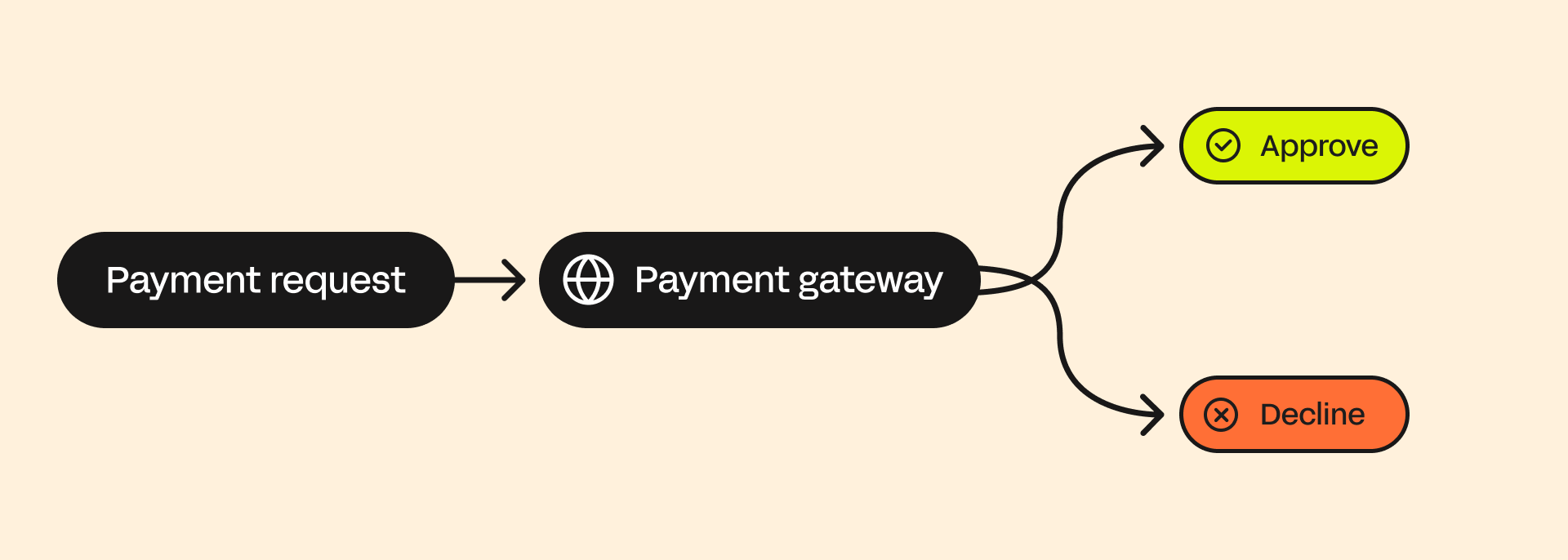
A payment processor takes that data and does the work of routing it. It communicates with the card networks, requests authorization from the issuing bank, and moves funds to your account once the transaction is approved. If the gateway is the front door, the processor is everything that happens behind it.
In practice, the difference matters less than it used to. Most modern providers bundle both into a single integration, so in practice you're rarely choosing between them. But if you're building a custom checkout (or integrating a third-party gateway with a separate processor), you're dealing with two distinct services, meaning two fee structures and two potential points of failure.
How do payment processors work?
Payment processors handle the full flow of a transaction, from customer checkout to the point where funds settle in your account. The processor verifys funds, encrypts sensitive data at every stage, and flag suspicious activity.
The best processors go further. In addition to moving money, they surface the analytics that help you understand your business and make better business decisions.
Here's what happens in a typical transaction:
1. Customer initiates checkout
The process kicks off when a customer checks out: online, in an app, or at a POS, entering their card information and other transaction details
2. Data is encrypted
All that information is encrypted to keep it secure.
3. Data is transmitted
Encrypted data moves from your store to the payment processor through a payment gateway. From there, it goes to your acquiring bank (sometimes the processor is the bank too).
4. The request moves through the network
The acquiring bank forwards the details to the issuing bank (your customer’s bank) via the card network – Visa, Mastercard, AMEX, or the bank’s network for debit.
5. The issuing bank reviews the request
The customer’s bank verifies the payment method, confirms the buyer’s identity, and checks that there’s enough money or credit. Some online transactions may require the customer to authorize manually.
6. The sale is confirmed
If everything checks out, the bank sends an authorization code. If there’s a problem, it sends a decline code instead.
7. Processor confirms the transaction
The payment processor finalizes the transaction on your end. The gateway confirms success or failure in real time. If declined, the customer can retry with a different payment method.
8. Transaction is done
From your perspective, the sale is complete, and you can ship the product or start fulfillment. But the actual funds haven’t moved yet.
9. Capture and settlement
At the end of the day, the processor batches all approved transactions and sends them to the acquiring bank. The banks then move the money from the customer’s account to yours, a process called capture. It can take a few business days to settle fully.
Types of payment processors
Not all payment processors are structured the same way.
Payment service providers (Stripe, Square, PayPal) are the most common starting point. They pool merchants under a shared master account, which means fast setup and no underwriting process, but also flat-rate pricing. Because you're sharing infrastructure with thousands of other merchants, account stability can be less predictable.
On the other hand, traditional merchant account providers give each business a dedicated account with its own underwriting, pricing negotiation, and direct relationship with an acquiring bank. Setup is slower and more involved, but you get more control over rates and a pricing model: typically interchange-plus, that rewards large volume over time.
The right starting point depends on where your business is. Most businesses begin with a payment service provider for the speed and simplicity, then reassess as volume grows and the cost of flat-rate pricing becomes more clear.
How to choose a payment processor
When choosing a payment processor, there is so much more to consider than just the fees,
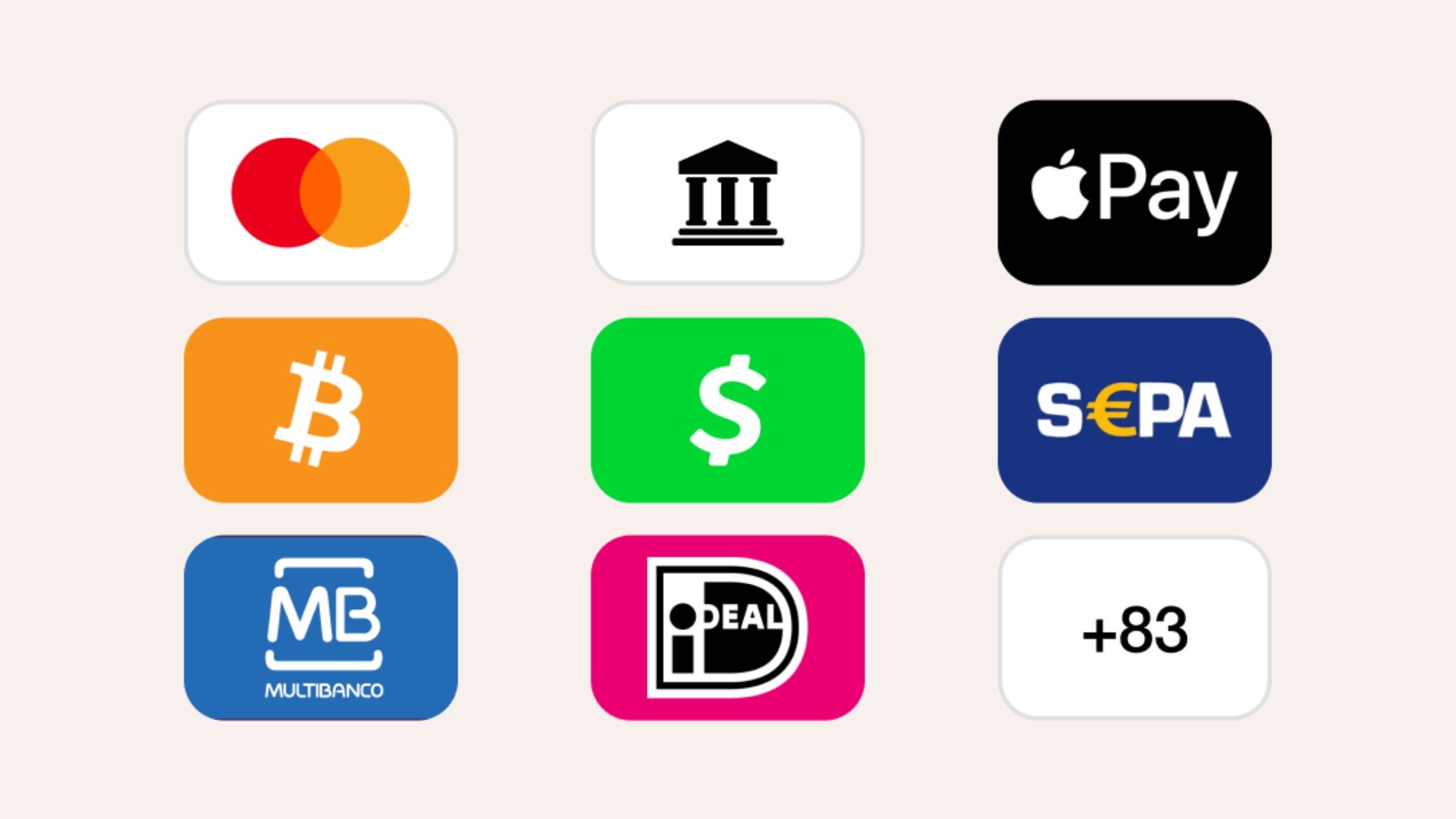
Start with payment methods. Credit and debit cards are the baseline, but digital wallets now account for 50% of global ecommerce transaction value, and BNPL, crypto, and installment options can meaningfully improve conversion on higher-priced products. If your processor doesn't support the methods your customers prefer, you're loosing revenue before the transaction even starts.
Next, consider where your customers are. International payments require more than simply multi-currency support: look for local acquiring. Local acquiring means transactions are processed through a domestic bank, which carries higher approval rates and lower interchange fees than routing cross-border.
As Derek Wilmer, Head of Ecommerce at Whop, puts it: "When we route a payment through a local entity, everything improves — approval rates, fees, even chargeback outcomes. It just looks ‘right’ to the customer’s bank." - Derek Wilmer
Then, there's security. Ensure PCI DSS 4.0 compliance, strong encryption, and tokenization as a baseline, and confirm the processor fits cleanly into your existing stack.
And when something goes wrong — and at some point, it will — support quality matters more than almost anything else. Check reviews, test response times before you commit, and confirm they offer help through the channels your team actually uses.
"A lot can happen in the world of payment processing. If anything does happen to one of your PSPs or payout partners, you want to make sure you have something to fall back on." — Maddie Cohen
Then, of course, pricing: and this is where most businesses get caught out.
Processors charge in one of three ways: flat rate, interchange-plus, or subscription. The model that works at $10K a month may not make sense at $100K, and the headline rate rarely tells the full story. Monthly minimums, PCI compliance fees, early termination penalties, and per-transaction surcharges are where the real cost lives. Before you sign anything, ask for a full fee schedule.
Choosing the right payment processor depends on your business model, your customer base, and where you plan to grow. These are the factors that matter most.
Top 5 payment processors & platforms
1. Whop
Whop is not a payment processor in the traditional sense — it's a commerce platform with a full payment stack built in. Where most processors handle the transaction layer and leave everything else to you, Whop covers the entire infrastructure: from checkout to payout.
At the core is multi-PSP orchestration. Each transaction is dynamically routed to the processor most likely to approve it, based on card type, geography, and real-time performance data. When a payment is declined, automatic retry logic reroutes it through an alternative processor instantly. The result is 6–10% more revenue recovered across transaction volume, without any manual intervention.
Whop operates across 190+ countries and 135+ currencies, with local acquiring infrastructure in the US, EU, Canada, Australia, and the UK. Local acquiring means transactions route through a domestic bank for customers in those markets, improving authorization rates and eliminating cross-border fees. Over 100 payment methods are surfaced automatically at checkout based on the buyer's location: including digital wallets, local bank transfers, cryptocurrency, and ten BNPL financing options.
Tax compliance, KYC, chargebacks, and dispute management are handled by Whop as part of the platform, not delegated back to you.
Best for: Internet businesses, platforms, and creators who want a complete payment stack without managing multiple processor relationships.
2. Stripe
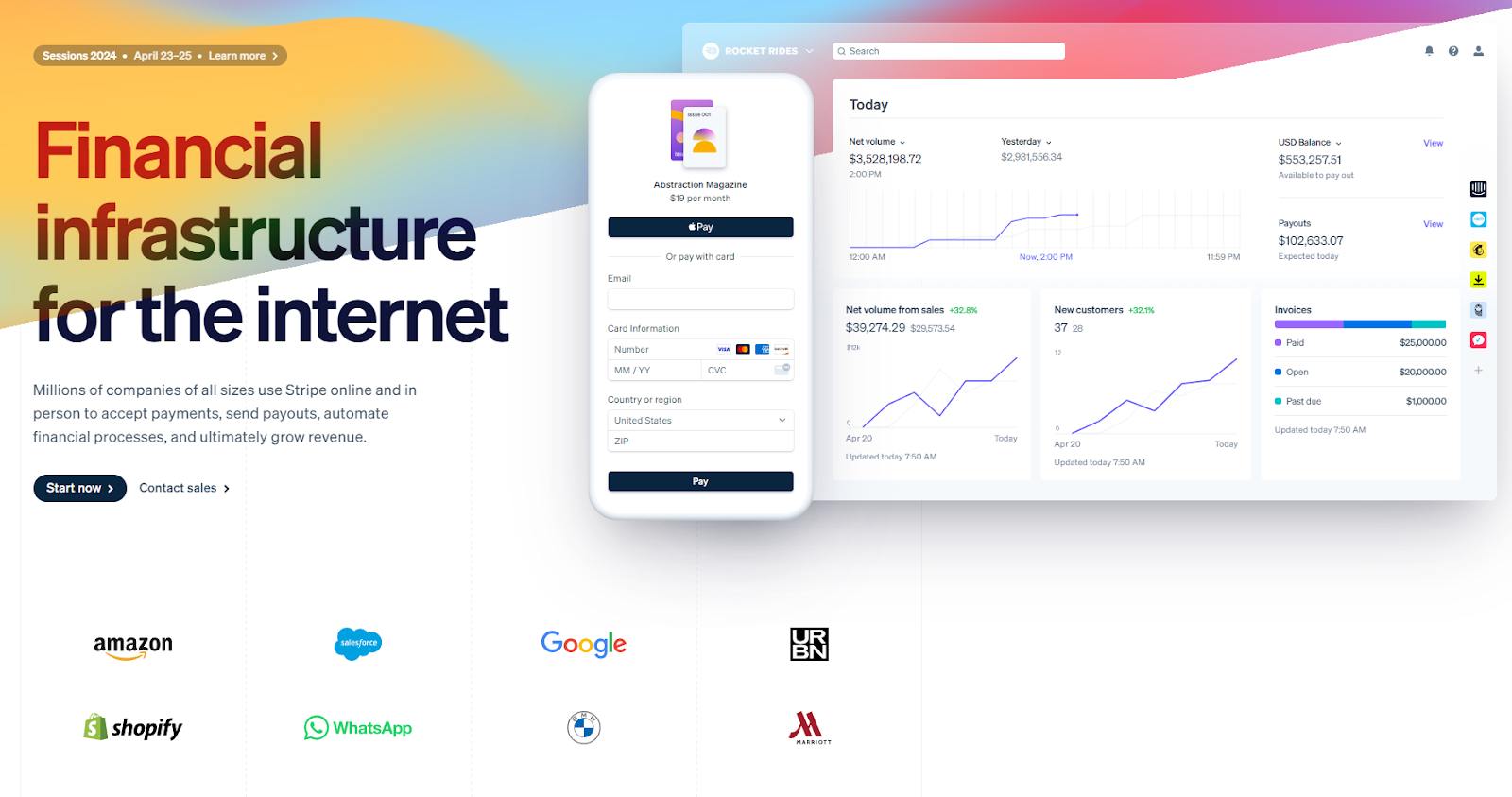
Stripe is the default choice for developers and technical teams. Its API is extensive and well-documented, making it straightforward to integrate into websites, apps, and backend systems. It supports online payments, in-person sales via Stripe Terminal, and subscription billing, all under one account. Stripe now processes more than $1.4 trillion in payments a year.
Security is handled at PCI Level 1 standard, with encryption and tokenization built into the core infrastructure. Stripe Radar provides AI-powered fraud detection, and Stripe Tax handles tax calculation in supported markets.
In April 2025, Stripe introduced Stripe Managed Payments: a Merchant of Record offering that handles tax compliance, fraud, and disputes on your behalf. It's currently available to Stripe Checkout users selling digital products in supported markets, with broader rollout ongoing. For businesses outside those parameters, legal liability remains with you.
Standard pricing is 2.9% + $0.30 per transaction, with custom rates available at higher volumes. At scale, flat-rate pricing becomes harder to justify relative to interchange-plus alternatives.
Best for: Developer-led teams building custom payment flows, SaaS platforms, and businesses that need flexible API infrastructure.
3. PayPal
PayPal's primary advantage is trust. Shoppers are three times more likely to complete a purchase when PayPal is available at checkout, making it one of the most effective conversion tools available to online merchants — particularly for first-time buyers who don't yet trust a new store with their card details.
It supports cards, PayPal balances, QR codes, and BNPL installments, integrates with most major ecommerce platforms, and carries no monthly or setup fee.
Pricing has increased since January 2025. Online card payments now run at 2.89% + $0.49 per transaction, and PayPal's express checkout runs at 3.49% + $0.49. BNPL fees increased to 4.99% + $0.49: a significant jump that merchants offering installment options should factor into their margins. In-person payments via PayPal POS remain cheaper at 2.29% + $0.09.
Best for: Businesses that want to increase checkout conversion, particularly for customers unfamiliar with the brand.
4. Square
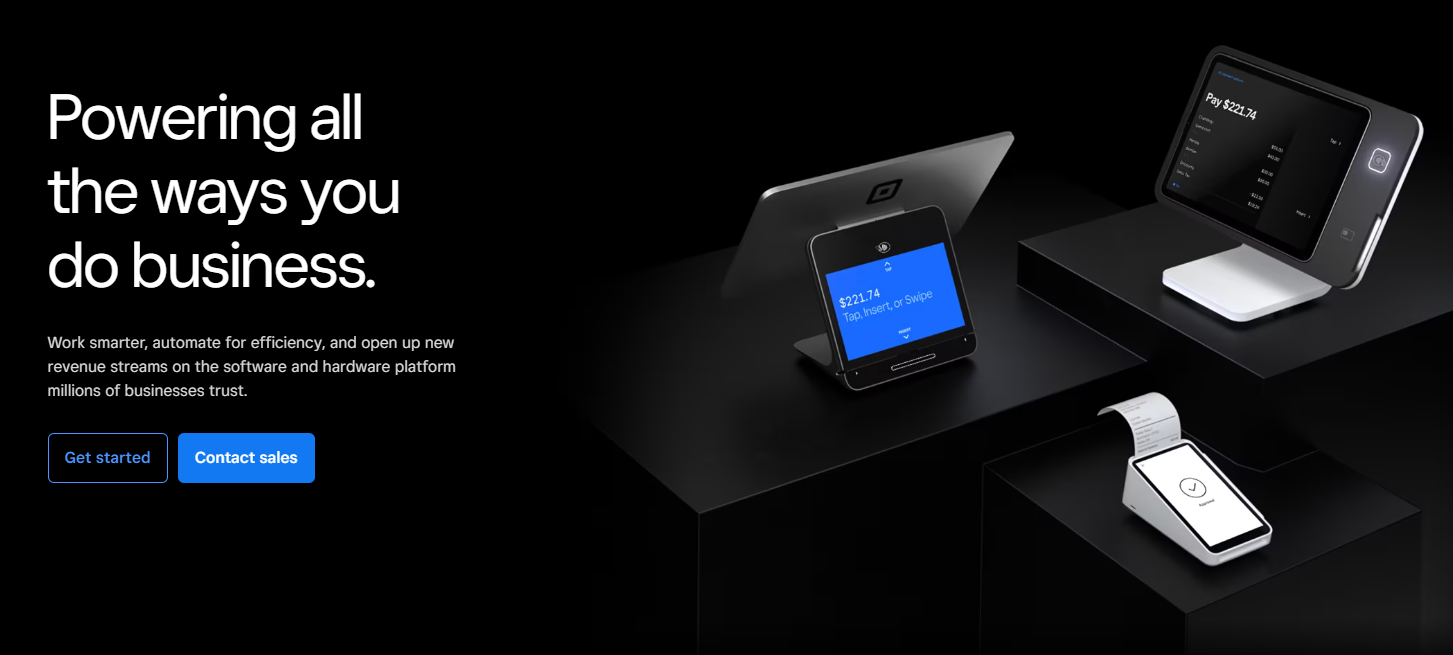
Square is built for businesses that sell in person. Its POS software is free to start, covers invoicing, inventory, staff management, and reporting, and works across retail, restaurants, and service businesses.
Square overhauled its pricing in October 2025, consolidating its plans into three tiers: Free, Plus ($49/month), and Premium ($149/month). On the Free plan, in-person transactions cost 2.6% + 15¢ and online transactions cost 3.3% + 30¢. Upgrading to Plus drops the online rate to 2.9% + 30¢: worth the math if you're doing large online volume.
Square's flat-rate pricing becomes harder to justify at scale, and its infrastructure is built around physical commerce first. For businesses operating primarily online or across multiple geographies, the feature set may not stretch far enough.
Best for: Retail, restaurant, and service businesses that need a reliable, fast-to-deploy POS solution with no upfront cost.
5. Adyen
Adyen is the payments infrastructure behind some of the world's largest platforms: Uber, Spotify, eBay. It operates as a direct acquirer in over 45 markets, supports 150+ currencies and 250+ payment methods, and uses Interchange++ pricing, meaning you pay the card network's base cost plus a transparent Adyen markup rather than a bundled flat rate.
The platform covers online, in-person, and mobile payments through a single integration, with unified reporting across all channels. Fraud prevention, authorization optimization, and reconciliation tools are built into the core infrastructure rather than offered as add-ons.
But, the limitations are real and worth stating clearly. Adyen typically requires a minimum monthly invoice, and if your transaction volume generates less than this in fees, you pay the difference. Onboarding requires underwriting and involves a longer sales process than aggregator processors. And the platform is built for technical teams, so without developer resource, implementation can be slow.
Best for: Mid-to-large businesses and platforms with significant transaction volume that need global acquiring, multi-currency support, and enterprise-grade infrastructure.
Payment processors vs MoRs: what's the difference?
A payment processor handles the transaction layer, moving money from your customer's account to yours, encrypting data, and flagging fraud. Legal responsibility for the sale stays with you.
A Merchant of Record goes further. As the named legal seller in a transaction, the MoR takes on liability for tax collection and remittance, chargebacks, refunds, and compliance across every market you sell into. For businesses selling globally, that distinction is significant.
For a full breakdown of how the MoR model works and when it makes sense for your business, see our guide to Merchant of Record services.
Get access to multiple payment processors with Whop
Instead of choosing a single processor, Whop gives you access to multiple providers through multi-PSP orchestration, routing each transaction to the processor most likely to approve it, recovering 6–10% more revenue from payments that would otherwise be declined.
One integration covers 100+ payment methods, local acquiring in the US, EU, Canada, Australia, and the UK, full Merchant of Record services, and payouts to 200+ countries.
"We've built our own payments infrastructure that allows us so much more flexibility — on what payment methods we accept, which countries we can pay out to, and which ways we can pay out." — Steven Schwartz, Whop CEO
Payment processor FAQs
Can I use multiple payment processors for my online business?
Yes. Using multiple payment processors can reduce declined transactions, increase sales, and provide redundancy. Platforms like Whop Payments use smart orchestration to automatically route payments through the processor most likely to approve them.
How long does it take for payment processors to transfer money to my bank account?
Settlement times vary by provider and region. Most processors batch transactions daily, with funds typically reaching your bank in 1–3 business days, though international transfers may take longer.
Are there transaction limits with payment processors?
Yes. Many processors set daily, monthly, or per-transaction limits. High-value transactions or rapid growth may require custom arrangements or enterprise-level solutions.
How do payment processors prevent fraud and manage chargebacks?
Payment processors use encryption, tokenization, and fraud detection algorithms. Merchant-of-Record (MoR) services handle chargebacks and disputes automatically to protect your revenue.
Can I integrate a payment processor with my website, app, or accounting tools?
Absolutely. Most modern processors provide APIs, SDKs, and plugins that integrate seamlessly with ecommerce platforms, CRMs, accounting software, and mobile apps, enabling automated workflows and real-time analytics.